Context
Hospitality employees aren't always paid a single rate. Overtime, nights, weekends and holidays can all trigger different rates, and multiple conditions can apply to the same shift.
Nory needed to calculate these premiums across scheduling, timecards and payroll, replacing a process that still relied heavily on manual adjustments.
1. Discovery
I started by reviewing how workforce management platforms handled premium pay, mapping the different conditions and rule structures they supported.
I then spoke with several Nory customers across Finance, Operations and restaurant management to understand how these policies worked in practice, from defining company-wide pay policies to managing exceptions at individual restaurants.
The research helped us identify the core requirements:
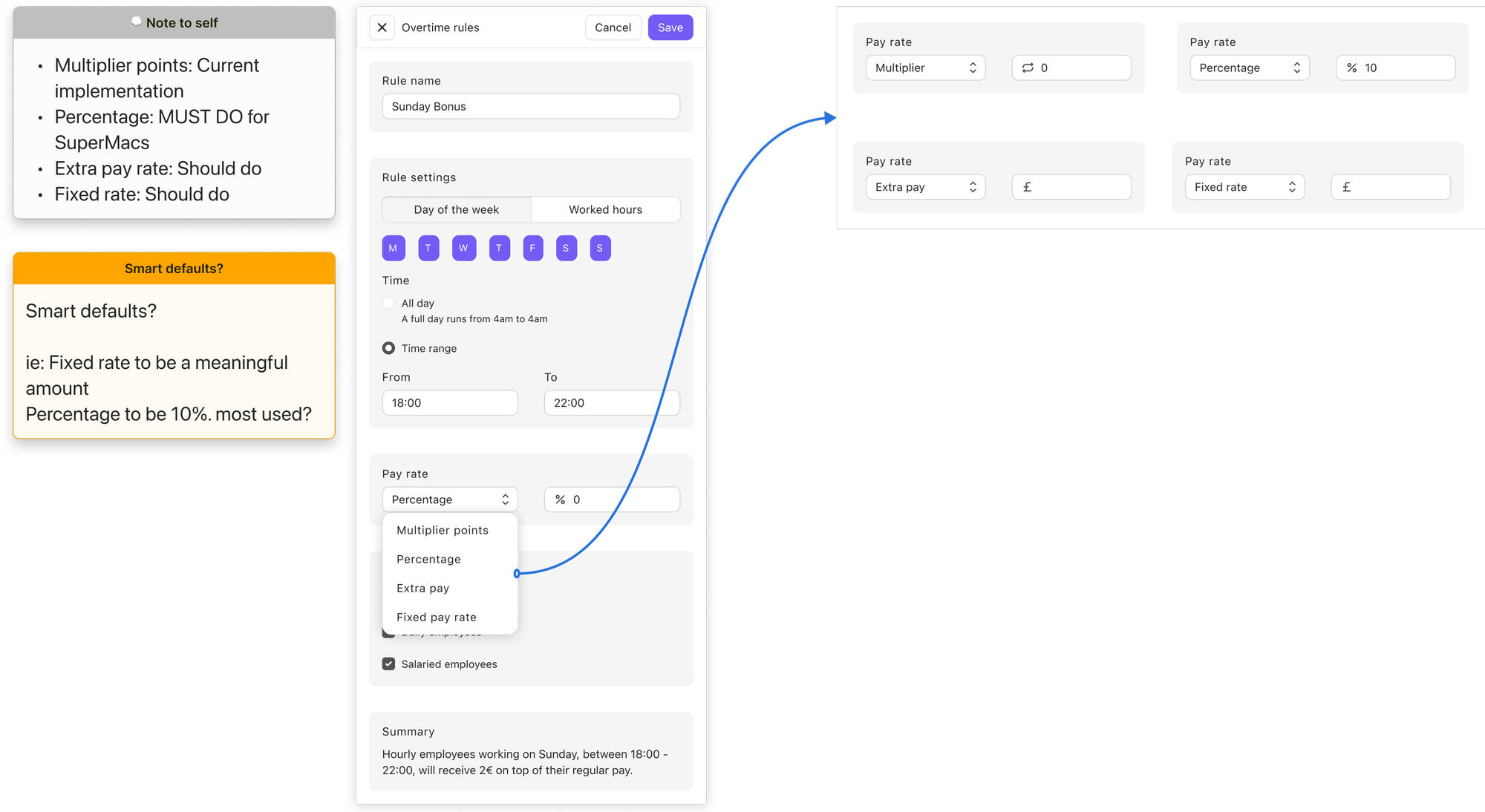
- When it applies: specific days of the week, all day or within a time range
- Hours worked: premiums triggered after an employee works beyond a defined threshold
- How they're paid: percentage uplift or fixed amount
- Who receives it: hourly, daily or salaried employees
- Which roles qualify: rules could apply only to specific positions or departments
- Combinations: multiple conditions could apply to the same shift
For example, a restaurant might define a rule like "FOH employees working Sunday between 18:00–22:00 receive an additional 25%."
This gave us the core design challenge: how might we let managers combine multiple pay conditions while making the resulting rule easy to understand and verify?
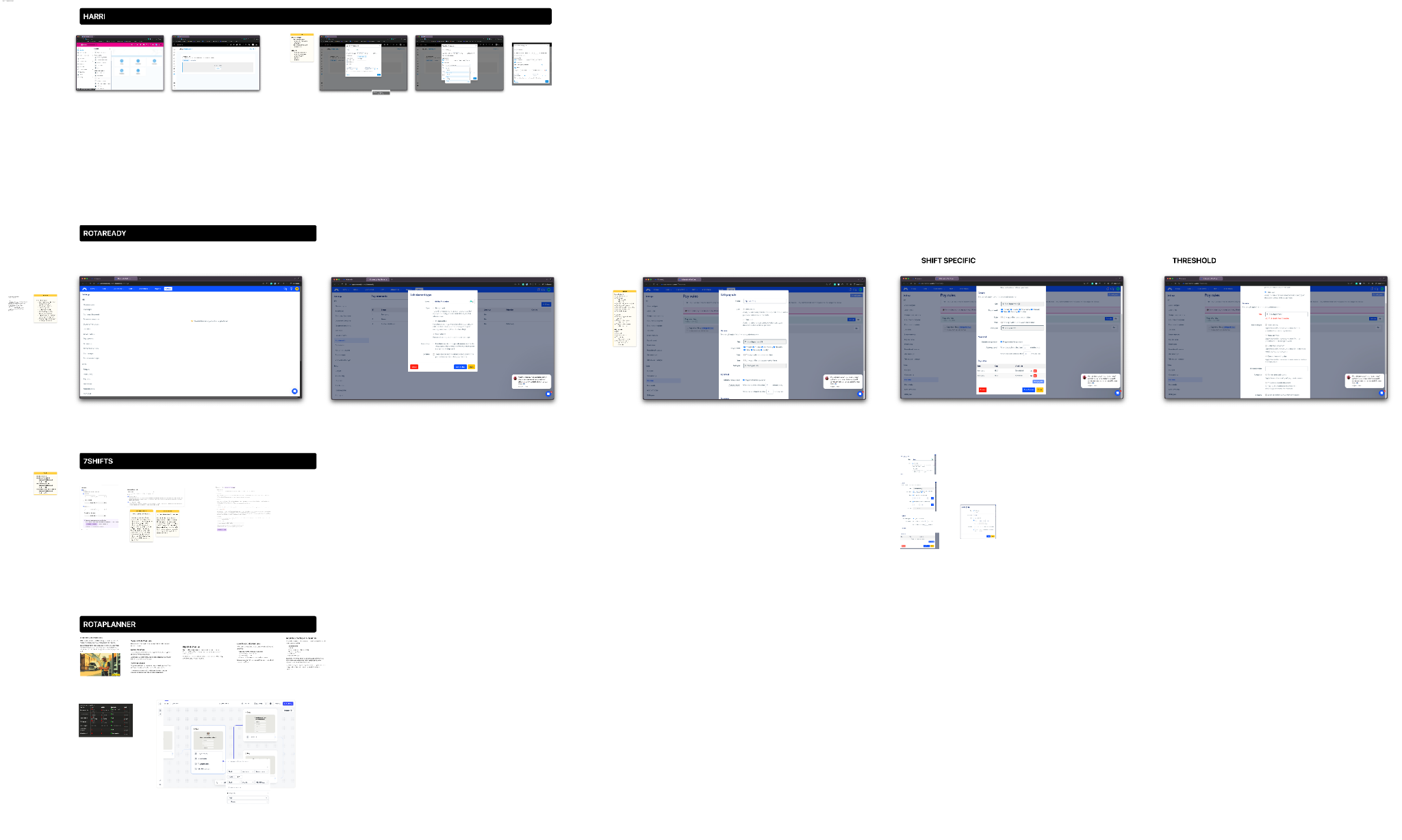
2. Mapping the experience
Mapping the end-to-end journey revealed that the problem extended beyond rule configuration.
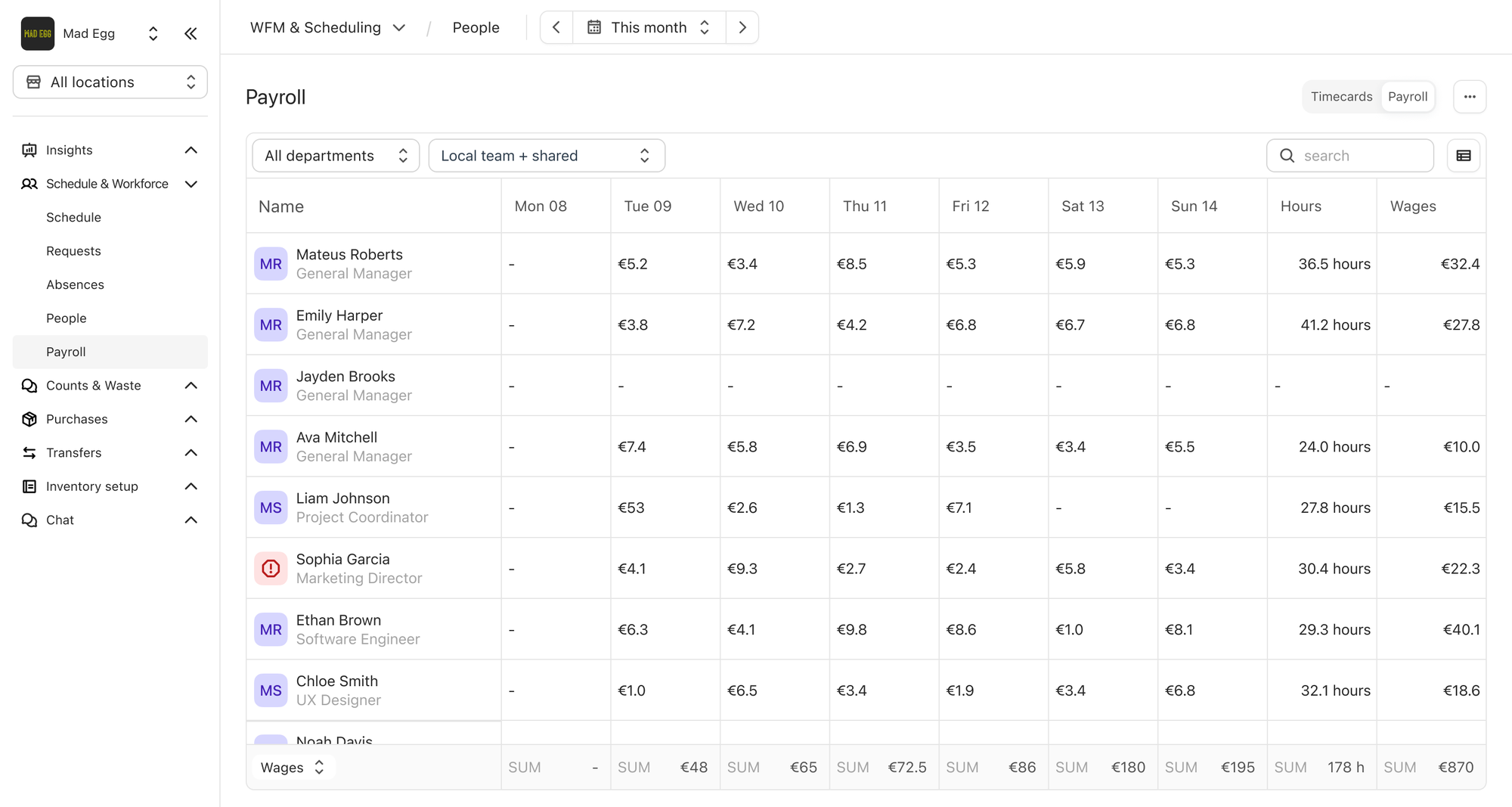
Previously, managers reviewed worked hours and manually tracked premiums and bonuses, which were then passed to our payroll team for processing. Premium Pay allowed these rules to flow automatically from scheduling → timecards → payroll.

3. Exploring UI options
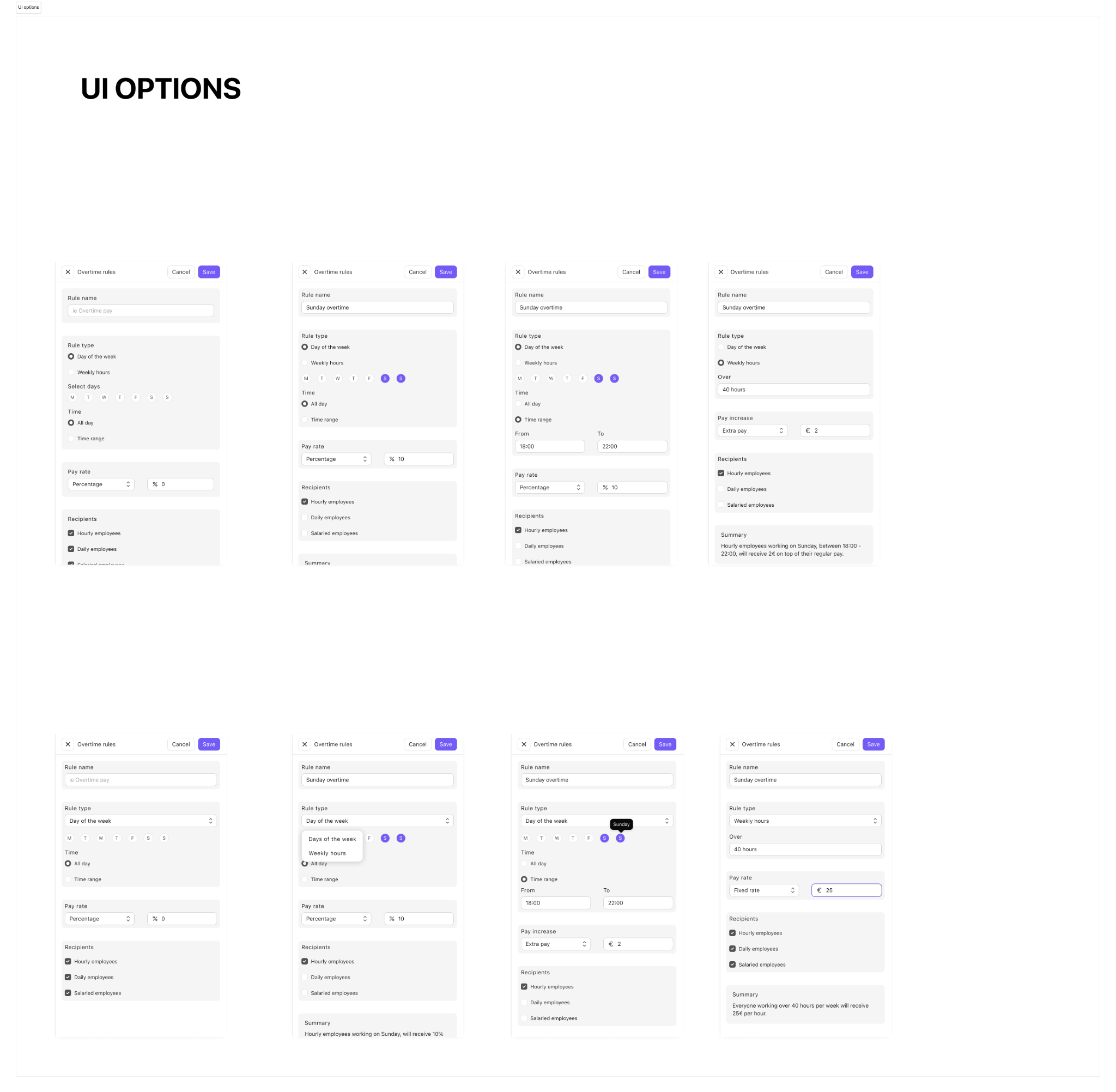
I narrowed the exploration to two approaches: a structured form with visible options and a more compact configuration using dropdowns. Both supported the same rules, with different trade-offs between visibility and compactness.
I prioritised clarity and verification over configuration speed. Important choices remained visible, conditions were grouped around when, how much and who, and additional complexity appeared only when relevant. A plain-language summary let managers verify the resulting rule before saving.
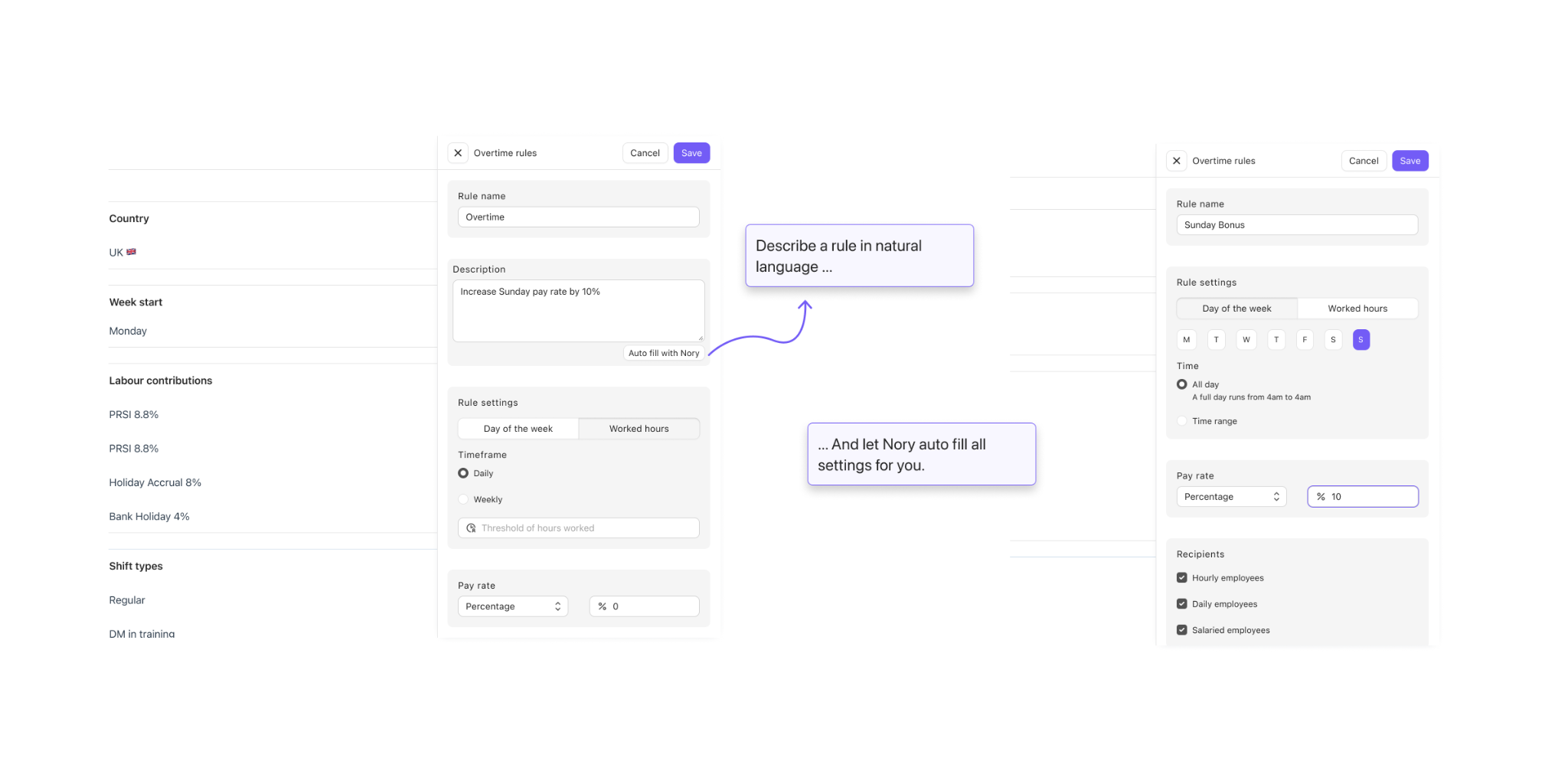
I also explored a more experimental direction where managers could describe a rule in natural language, with Nory translating it into a structured configuration for review.
4. Final design
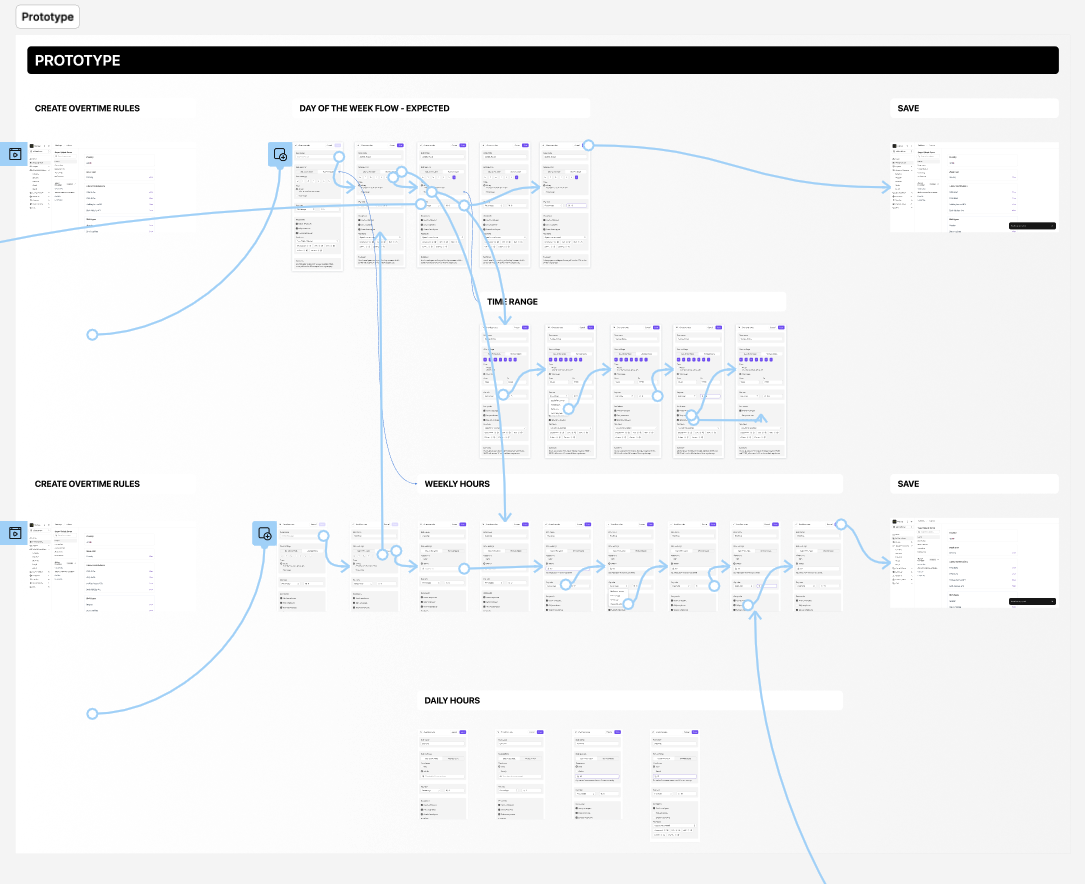
I turned the selected direction into a clickable high-fidelity prototype covering the different rules, combinations and edge cases, which I tested with customers before producing detailed specifications for engineering.
From rules to payroll
Once configured, premium rules were automatically applied to qualifying worked hours. Timecards showed the resulting shift type, pay rate and gross wage, giving managers and payroll a clear breakdown to review before processing pay.
5. Outcome
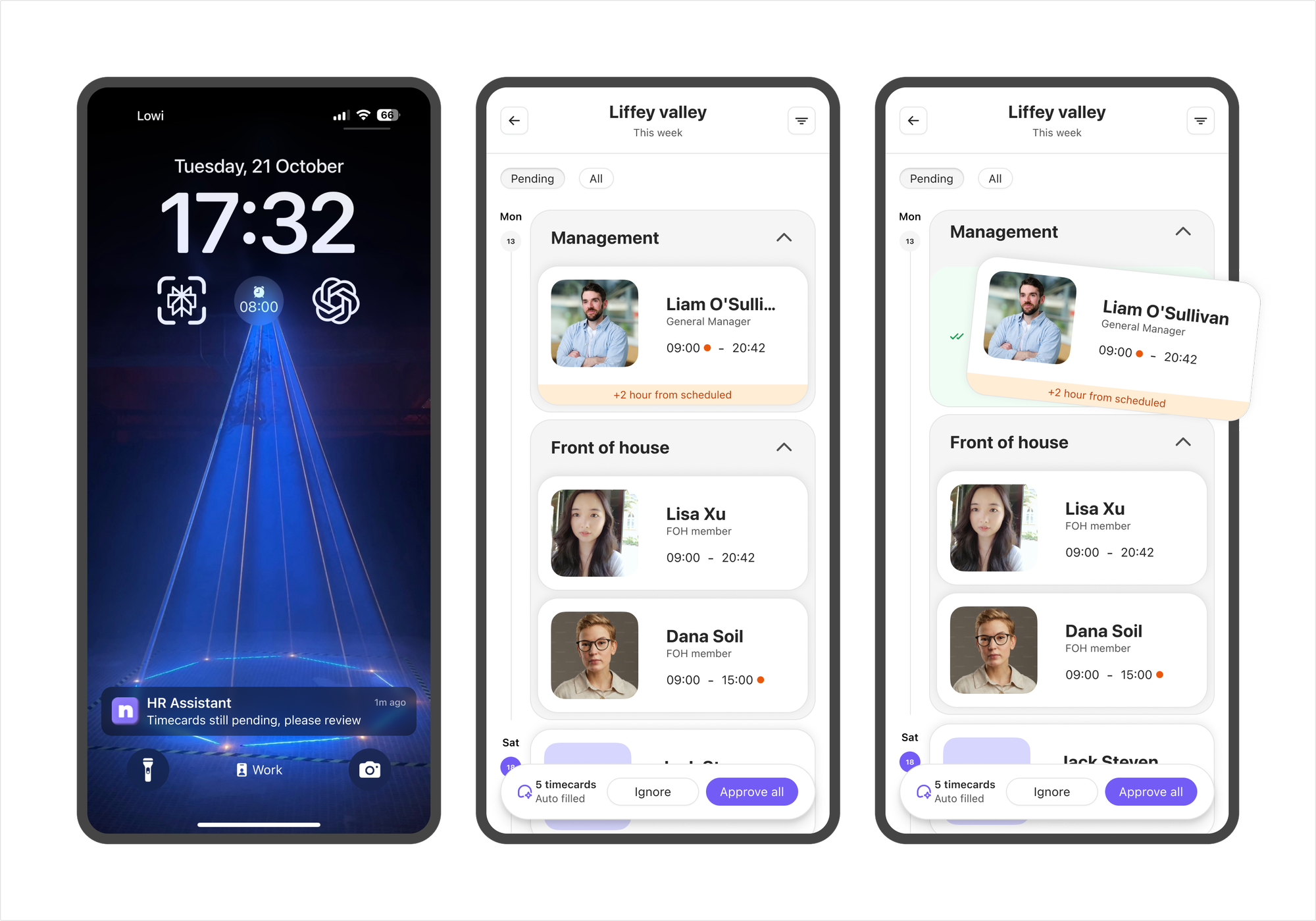
Premium Pay Rates was gradually rolled out as a beta, with customers onboarded by our Customer Success team. During the pilot, scheduled labour cost accuracy increased from 85% to 98%, giving managers a much closer estimate of what they would ultimately pay when payroll was processed.
Our internal payroll specialist also reported a significant reduction in manual work. Premiums and bonuses that previously had to be calculated and added manually at the end of each payroll cycle were now automatically reflected in employees' pay.
I left Nory while the wider rollout was still underway, so I wasn't able to measure longer-term adoption or engagement.